
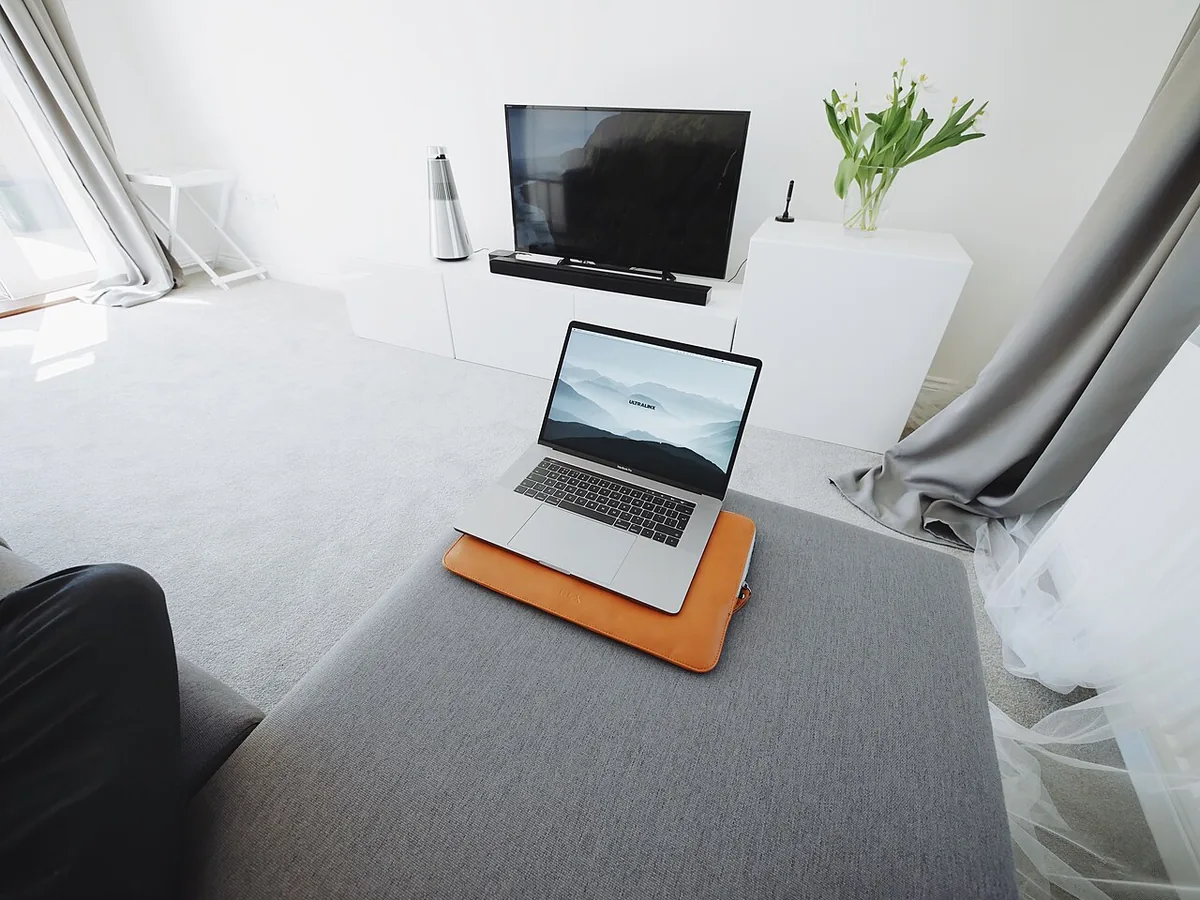
Working from a laptop at the kitchen table feels fine for an hour. By the end of the week your neck says otherwise. The reason is simple: on a table, the laptop screen sits far below your eyes, so you spend the day looking down.
The short answer
If you work on a laptop for more than a couple of hours a day and do not use an external monitor, a laptop stand is one of the cheapest useful upgrades for a home office. It raises the screen toward eye level. It is only half the fix, though: you also need a separate keyboard and mouse, because the built-in ones end up too high to type on.
Why a laptop on a table is too low
OSHA's computer workstation guidance says the top of the screen should be at or slightly below eye level, with the centre of the screen about 15 to 20 degrees below your horizontal line of sight. A laptop on a desk puts the whole screen well under that, so your head tips forward. OSHA also suggests a viewing distance of at least 20 inches (about 50 cm), generally 20 to 40 inches (50 to 100 cm).
The same guidance warns about the opposite mistake: keyboards that are too high or too low bend the wrists, and a mouse placed too far away strains the shoulder. That is why raising the laptop alone is not enough.
What a stand fixes, and what it does not
| Problem | Stand helps? | What else you need |
|---|---|---|
| Looking down at the screen | Yes | Nothing, if the height is right |
| Wrists bent on a raised keyboard | No, makes it worse | External keyboard at elbow height |
| Reaching for the trackpad | No | External mouse next to the keyboard |
| Small screen | No | An external monitor, see our monitor setup guide |
| Clutter on a small desk | Somewhat | Keyboard can slide under some stands |
Fixed, adjustable or folding?
Laptop stands come in three broad types. None is best for everyone; it depends on how you work.
- Fixed-height stands are solid and simple. Good if you work at one desk and the height happens to suit you.
- Adjustable stands let you change the height and angle. Useful if several people share the desk, or if you switch between sitting and standing.
- Folding stands pack into a bag. Good for travel and co-working, usually less stable when you type hard on a nearby keyboard.
Whatever the type, check two things on the listing: that it fits your laptop's size, and that it is stable enough that the screen does not wobble when you touch it. Ventilation matters too, since laptops run warmer when the base is covered.
An example: the Rain Design mStand
The mStand is a long-running example of a fixed-height aluminium stand. Rain Design describes it as a single piece of aluminium that also works as a heat sink, with a tilted top, a cable outlet at the back and room to stash the keyboard underneath. It lists the size as 10 x 5.9 x 7.5 inches and the weight as about 3 lb (1.46 kg), and says it fits all MacBooks including the 16-inch model. There are rubber pads on top and bottom and a 2-inch cable hole. A swivel version, the mStand360, also exists.
As an Amazon Associate we earn from qualifying purchases — more in our affiliate disclosure
A fixed-height stand like this suits people who work at one desk. If you move between rooms or travel, a folding stand is more practical, at the cost of some stability. Check the current price on the listing; we do not quote prices because they change often.
Add a keyboard and mouse
Once the laptop is raised, put a keyboard directly in front of you at about elbow height and the mouse right next to it. Any full-size wireless set works. One example is Logitech MX Keys S Combo, a keyboard and mouse combo; our guide to the ergonomic home office goes through the rest of the setup.
How to set it up in five minutes
- Sit back in your chair with your feet flat.
- Put the stand and laptop about an arm's length away, directly in front of you.
- Check that the top of the screen is at or just below eye level. If it is still low, add a sturdy book under the stand.
- Tilt the screen back slightly. OSHA suggests a 10 to 20 degree tilt.
- Place the keyboard and mouse so your elbows stay close to your sides.
- Every so often, look at something about 20 feet away to rest your eyes, as OSHA recommends.
Standing desks and bifocals
If you use a sit-stand desk, re-check the screen height when you switch: the desk moves, but your eye level relative to it should stay the same. If you wear bifocals, OSHA notes that you may need the monitor lower than usual so you do not tilt your head back to read through the bottom of the lens.
The verdict
A laptop stand is worth it if the laptop is your only screen. Buy it together with a keyboard and mouse, or do not bother. If you already plan to add an external monitor, put the money there instead and close the laptop or use it as a second screen.
Products mentioned
The products linked above, with what to check before you buy. They are examples, not endorsements; we have not been paid to include any of them.
FAQ
Is a laptop stand good for your neck?
It helps if it brings the top of the screen to about eye level, which is what OSHA's workstation guidance recommends for monitors. It only works if you also use a separate keyboard and mouse.
Can I type on a laptop on a stand?
Not comfortably. Raising the screen raises the keyboard too, which bends the wrists. Use an external keyboard and mouse such as Logitech MX Keys S Combo.
How far away should the screen be?
OSHA suggests at least 20 inches (about 50 cm), and generally 20 to 40 inches (50 to 100 cm) from your eyes.
Laptop stand or external monitor?
A stand is the small, cheap fix for one screen. If you want a bigger screen or two screens, an external monitor at the right height does the same job better.
Further reading
Books we think are worth your time if you want to go deeper. We have not been paid to include any of them.
Sources
All links opened and checked on 8 Nov 2026. Figures are as published by each source on the date shown; we did not run our own benchmarks.
- OSHA eTools: Computer workstations, monitors, checked 5 Nov 2026
- Rain Design: mStand product page, checked 5 Nov 2026
- Rain Design mStand Amazon listing, checked 5 Nov 2026